

VST Plugins Explore the Best Free and Premium Plugins for Music Production
Discover powerful VST plugins for mixing, mastering, and sound design. From free tools to advanced effects and instruments, find everything you need to create professional-quality tracks.
What Are VST Plugins?
VST stands for Virtual Studio Technology.
VST plugins are software tools used in Digital Audio Workstations (DAWs) to create and process sound. They allow producers to add virtual instruments, audio effects, and advanced mixing tools directly into their workflow.
There are two main types of VST plugins: instruments, which generate sound (such as synthesizers and samplers), and effects, which modify audio (such as EQ, compression, reverb, and distortion). Whether you’re producing music, mixing tracks, or mastering audio, VST plugins are essential for achieving professional-quality results.
Best VST Plugins for Music Production
Choosing the right VST plugins can dramatically improve your sound and workflow. Here are some of the best VST plugins for modern music production:
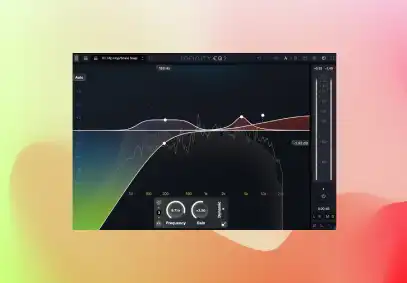
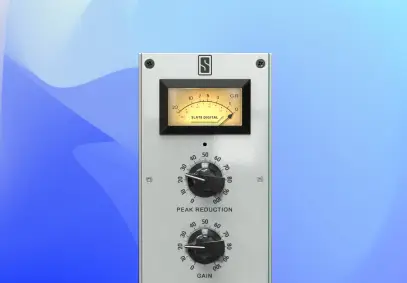
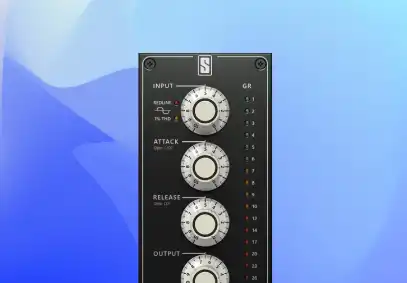
FG-Stress
The definitive emulation of the Distressor for total drum destruction.
Discover FG-Stress View allThese plugins are used by producers worldwide to create polished, professional tracks across all genres.
Free VST Plugins
If you’re just getting started or looking to expand your toolkit, free VST plugins are a great way to access high-quality sound without any cost. At Slate Digital, we offer powerful free plugins designed to deliver professional results:
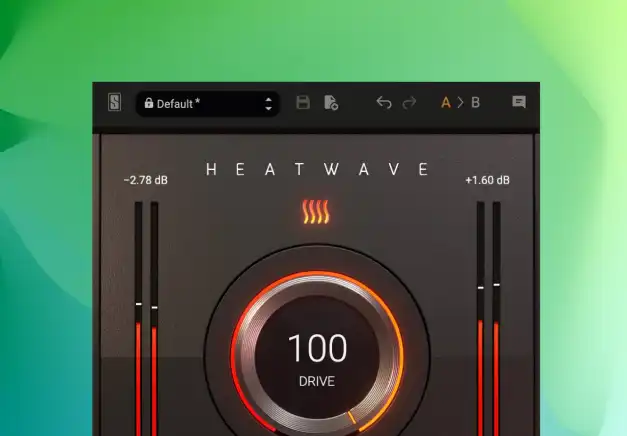
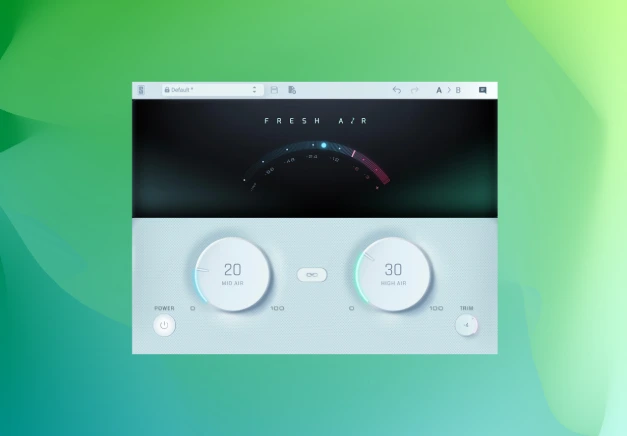
These tools are widely used by both beginners and professionals.
FAQ
VST3 is the latest version of the VST format and offers improved CPU efficiency, better automation handling, and enhanced audio routing compared to VST2. Most modern DAWs now support VST3 plugins.
Yes. Most VST plugins are compatible with both macOS and Windows. Slate Digital plugins are available in VST, VST3, AAX, and AU formats for compatibility with all major DAWs.
Yes. Many free VST plugins deliver professional-quality sound and are widely used by producers worldwide. Free plugins are ideal for beginners and experienced producers looking to expand their toolkit.
Installing VST plugins is simple. Choose your setup guide according to your DAW.
Some plugins include standalone versions, but most VST plugins require a DAW to function properly. Inside Complete Access, THU is the only product that doesn’t require a DAW.
Most major DAWs support VST plugins, including:
- FL Studio
- Ableton Live
- Cubase
- Reaper
- Studio One
Logic Pro primarily uses AU plugins, while Pro Tools uses AAX.